Customer support
All registered users can open a support ticket and track its status and responses from our team.
CONNECT HELPCENTER · STORE SETTINGS AND APPEARANCE
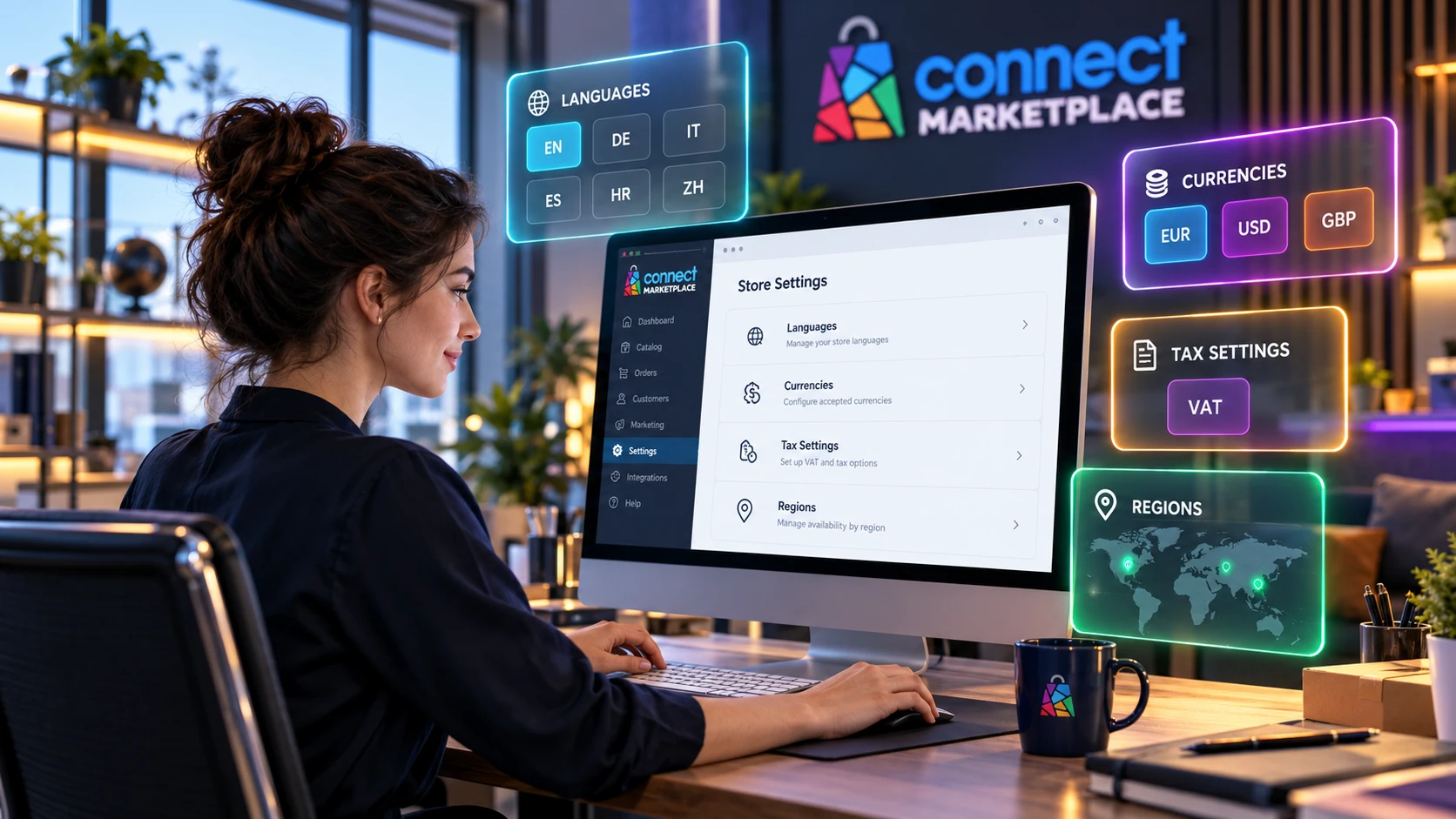
The interface language, content language, and selected store each have a different role. Before editing, check the context in which you are working and the audience for whom the content should be available.
Translating a store is not just a matter of changing the language menu. You need to prepare the texts, check local business information, and test the entire purchasing journey in the agreed language versions.
01 · PREPARATION AND REVIEW
The administration interface language determines the language of the labels and messages seen by the person working in the administration panel. The content language determines the language version of the name, description, or page you are editing.
The selected vendor or storefront determines the working context according to the available permissions. Selecting another store does not automatically mean that every CMS content item is separate: some content and settings may be shared.
02 · PREPARATION AND REVIEW
List the required languages and specify who will review the translations. In addition to products, include categories, informational pages, banners, links, and business information. Text within an image requires a separate review because it is not translated by changing the CMS language.
The required currencies, payment methods, shipping options, and availability by market are coordinated with the Connect team. Displaying a particular currency alone does not confirm that payment or shipping for that market is ready.
03 · PREPARATION AND REVIEW
Before making changes, check the store name and the selected content language. If you change the interface language to make your work easier, check the language version of the content you are editing again. Do not assume that automatic translation is enabled unless it has been explicitly activated and reviewed.
After saving, open the public page in the desired language. Check the title, description, links, and any images containing text. The length of the translation may affect the layout of buttons and menus, especially on mobile devices.
Define the language and market scope.
Prepare or agree on the translations.
Edit the appropriate language version.
Check the public content and purchasing process in the agreed test.
Select the store and working language →
The administration layout and field availability depend on your account, theme, and activated services. Design and technical changes are carried out by the Connect team according to the agreed scope. If the purpose of a setting is unclear, request a review before making changes.
No. It changes the interface. Content has separate language versions and must be prepared or translated through the agreed process.
Not necessarily. The scope of sharing depends on the type of content and the settings. Before changing shared content, request confirmation if you are unsure.
CONTINUE WITH PREPARATION